

SquareWheelsAuto
Sergey Custom Firmware for PX6 Head Units
$100.00
- Easy Plug-N-Play Installation
- Retain all Vehicle Functions
- Wireless Carplay & Android Auto
- Install ANY App like on a phone
- Easy Troubleshooting & Warranty Returns
- Lifetime Support
Out of stock
Sergey's Custom Firmware for PX6 Units
***Note - this firmware is not compatible with the new G-Series/MK6 screens***
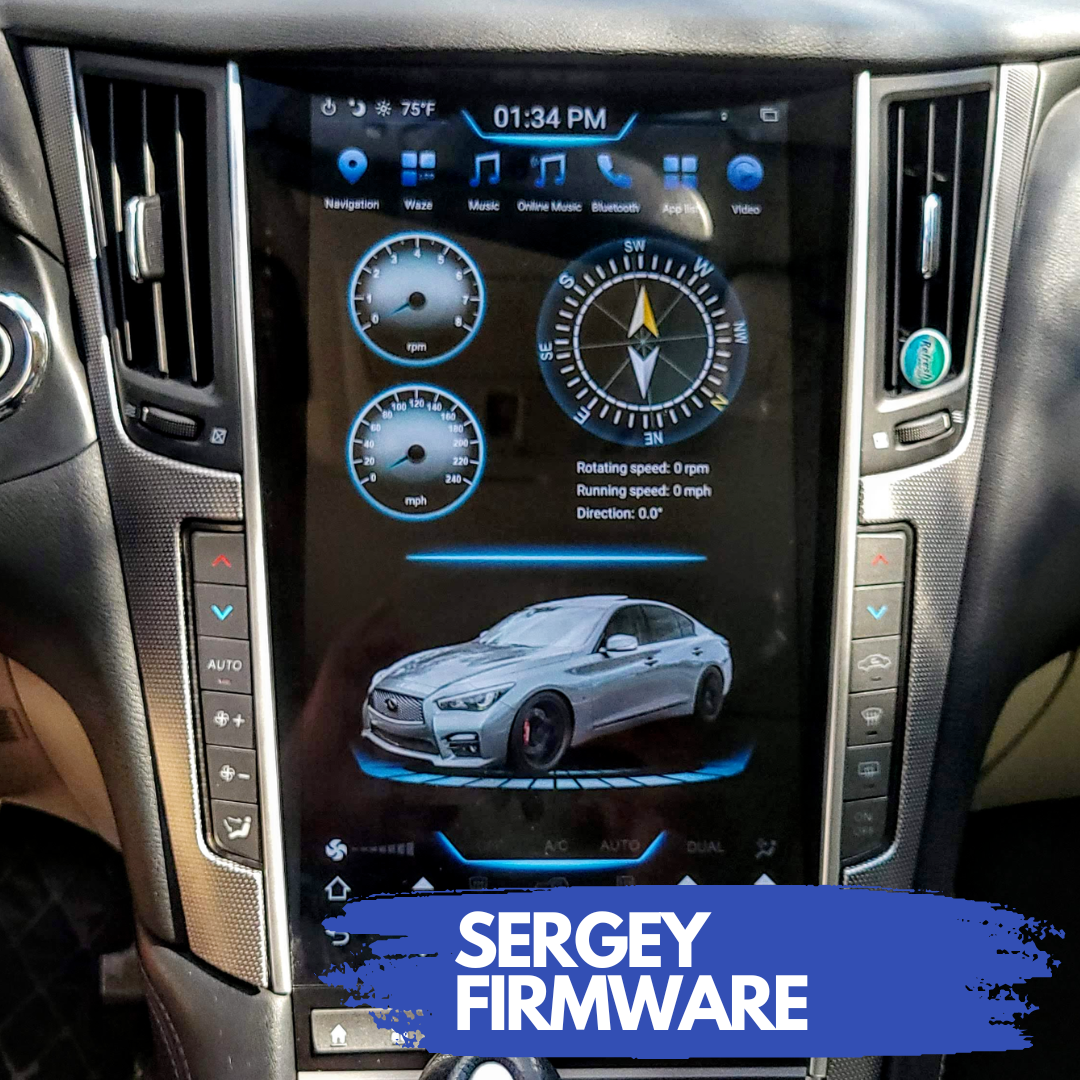
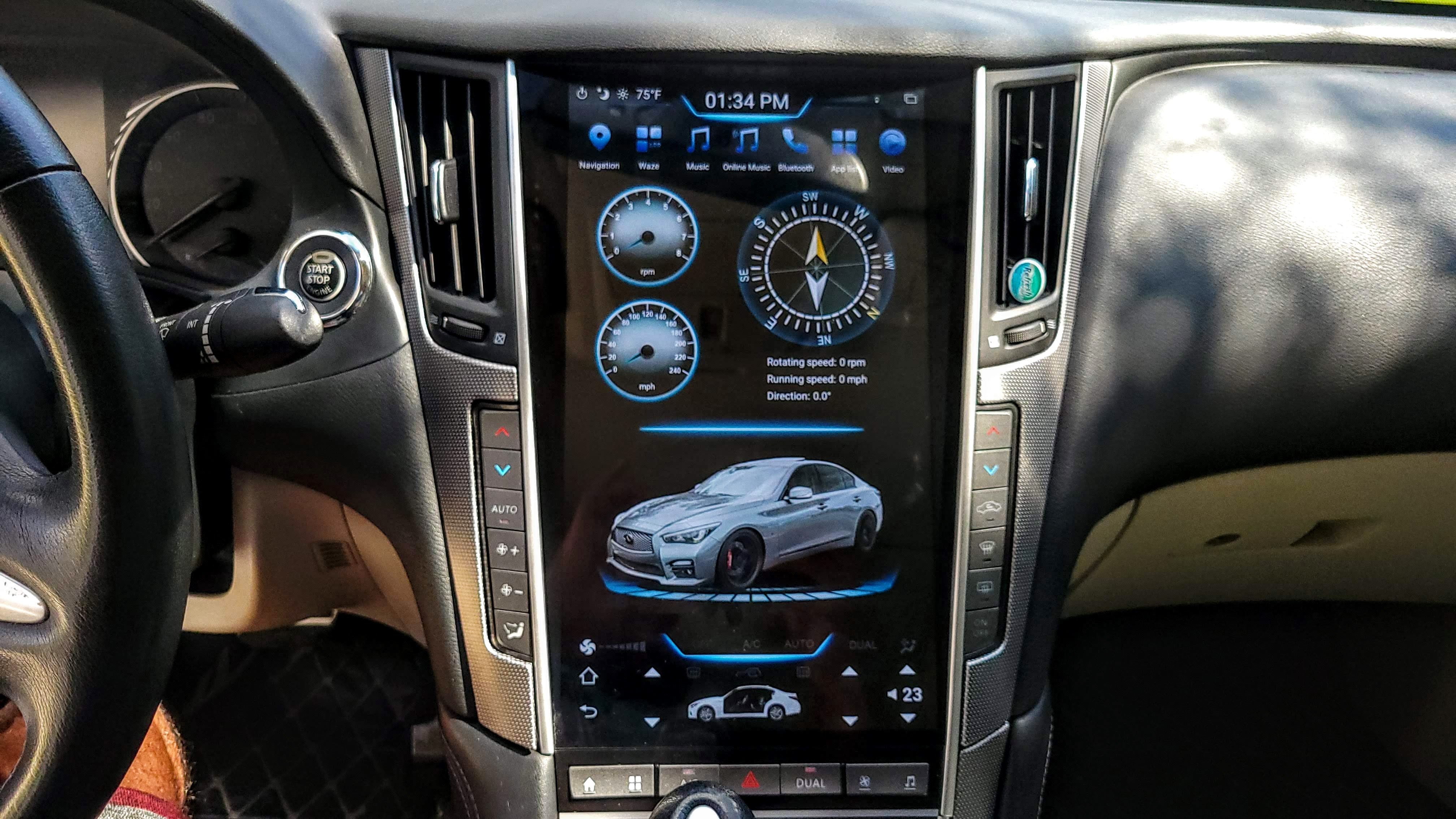
Sergey creates custom firmware for these Android Tesla-style screens for our cars. The firmware resolves common issues, offers additional themes and customization options, and eliminates some of the performance lag which exists on older units.
Sergey firmware will work on most PX3 / PX6 units (Phoenix, Rhino, Linkswell, Alibaba, MK3, AuCar MK5, etc) with Android 7.1, 8.1 and 9. Not compatible with Android 10 or Android 11 units at this time.
Here's how it works:
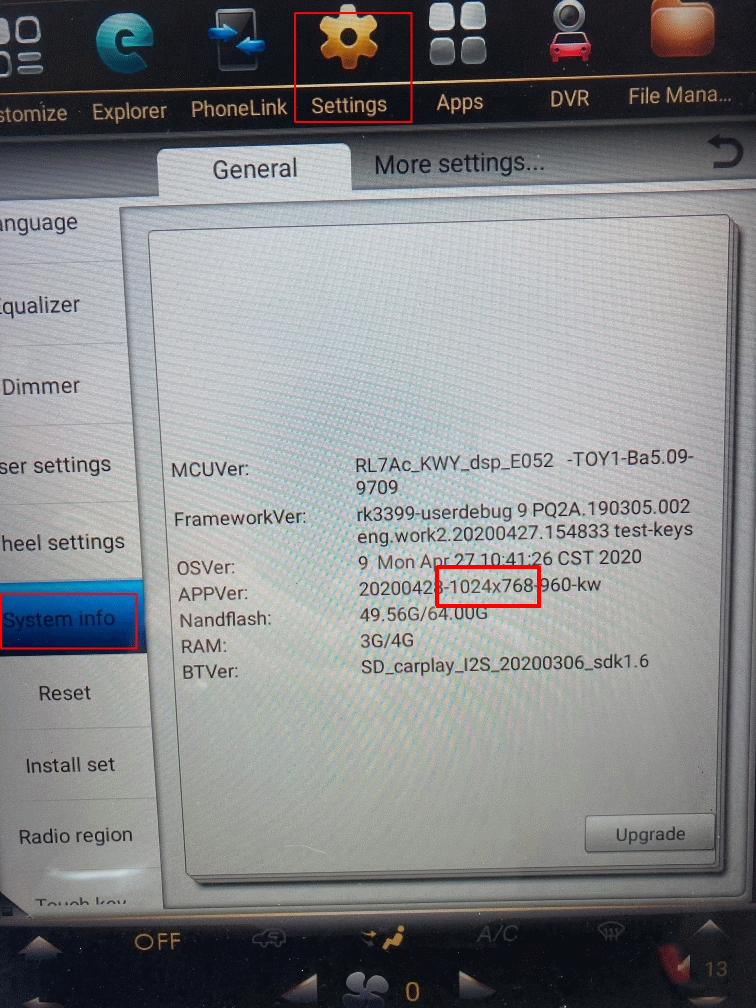
- You buy the license here. Take note of your screen's resolution, which you can find in the System Info tab of the unit's settings (take a photo if you're not sure)
- Sergey will email you detailed instructions to install the firmware on your device. The process isn't complicated, it just requires downloading some files to a USB thumb drive, and plugging it into your unit.
- Enjoy your upgraded device! Sergey offers great after-install support if needed.
The firmware has TONS of customizations/options. You can get a sneak peek from the list below:
Useful features
Fixed backup camera displaying when shifting from P to D and D to PObtain outdoor temperature online.
https://www.facebook.com/
Fixed backup camera displaying when shifting from P to D and D to P
https://www.facebook.com/groups/tesla.style.FW.HU/posts/2156395834668178
https://www.facebook.com/
Disable / Enable Autorun Multimedia with unit start
https://www.facebook.com/groups/tesla.style.FW.HU/permalink/2012969099010853/
https://www.facebook.com/
How to assign favorite APP to Online Music button.
https://www.facebook.com/groups/tesla.style.FW.HU/permalink/2003512889956474/
https://www.facebook.com/
Using top and bottom panels from different themes.
https://www.facebook.com/groups/tesla.style.FW.HU/permalink/2003502856624144/
https://www.facebook.com/
How to enable ECHO Elimination for phones calls.
https://www.facebook.com/groups/tesla.style.FW.HU/permalink/2003443739963389/
https://www.facebook.com/
Videos with Classic, Modern and Black themes for Multimedia (Radio, Music and Bluetooth).
https://www.facebook.com/groups/tesla.style.FW.HU/permalink/2003439889963774/
https://www.facebook.com/
How to Un-Pair connected Bluetooth devices.
https://www.facebook.com/groups/tesla.style.FW.HU/permalink/2003432886631141/
https://www.facebook.com/
Fixed Dimmer when headlights are ON. Auto dimmer option to change dim level according daytime.
Hiding top/bottom panels for All or Selected apps
https://www.facebook.com/groups/tesla.style.FW.HU/permalink/1973213606319736/
https://www.facebook.com/
Custom parking guidelines with middle line for towing (PX3/PX6 units)
https://www.facebook.com/groups/tesla.style.FW.HU/permalink/1887727974868300/
https://www.facebook.com/
Open climate window by long pressing the bottom panel
https://www.facebook.com/groups/tesla.style.FW.HU/permalink/1858407751133656/
https://www.facebook.com/
Hide Bluetooth float window when talking
https://www.facebook.com/groups/tesla.style.FW.HU/permalink/1857917707849327/
https://www.facebook.com/
How to fix wrong time issue
https://www.facebook.com/groups/tesla.style.FW.HU/permalink/1980697398904690/
https://www.facebook.com/
About boot animation. Watch first video about process
https://www.facebook.com/groups/tesla.style.FW.HU/permalink/1852481161726315/
https://www.facebook.com/
Using Steering Wheel Buttons to Climate control
https://www.facebook.com/groups/tesla.style.FW.HU/permalink/1789020888072343/
https://www.facebook.com/
Show top desktop image for CHWY theme (Main theme 37 (CHWY))
https://www.facebook.com/groups/tesla.style.FW.HU/permalink/1822803691360729/
https://www.facebook.com/
Starting Google maps at Driving Mode (Day / Night theme without adding destination)
https://www.facebook.com/
How to change position (top/bottom) of popup climate window.
https://www.facebook.com/groups/tesla.style.FW.HU/permalink/2071068286534267/
https://www.facebook.com/
Enabling Google Assist
https://www.facebook.com/groups/tesla.style.FW.HU/permalink/1890654604575637/
https://www.facebook.com/
Using Safe APK mover for GMD Gesture app install (control apps with gestures)
https://www.facebook.com/groups/tesla.style.FW.HU/permalink/1880977335543364
https://www.facebook.com/
Holding Power button (at top area) for fast reboot unit.
https://www.facebook.com/groups/tesla.style.FW.HU/permalink/2099190287055400/
https://www.facebook.com/
How to connect wireless CarPlay (ZLink)
https://www.youtube.com/watch?v=4YH4j5uI7t8
https://www.youtube.com/watch?
How to split apps that cannot be splitted
https://www.facebook.com/groups/tesla.style.FW.HU/permalink/2088240371483725/
https://www.facebook.com/
Rearrangement buttons for top panel for Main themes.
https://www.facebook.com/groups/tesla.style.FW.HU/permalink/2085554391752323/
https://www.facebook.com/
Headunit reloaded app - Android Auto (wireless)
https://www.facebook.com/groups/tesla.style.FW.HU/permalink/1875149989459432/
https://www.facebook.com/
Using Car Logo instead of radars (sonars) picture for Backup Camera when radars do not work for Your car.
https://www.facebook.com/groups/tesla.style.FW.HU/posts/2152635341710894/
https://www.facebook.com/
Using Custom radar logo when radars do work for Your car.
https://www.facebook.com/groups/tesla.style.FW.HU/posts/2152637918377303/
https://www.facebook.com/