

Introduction
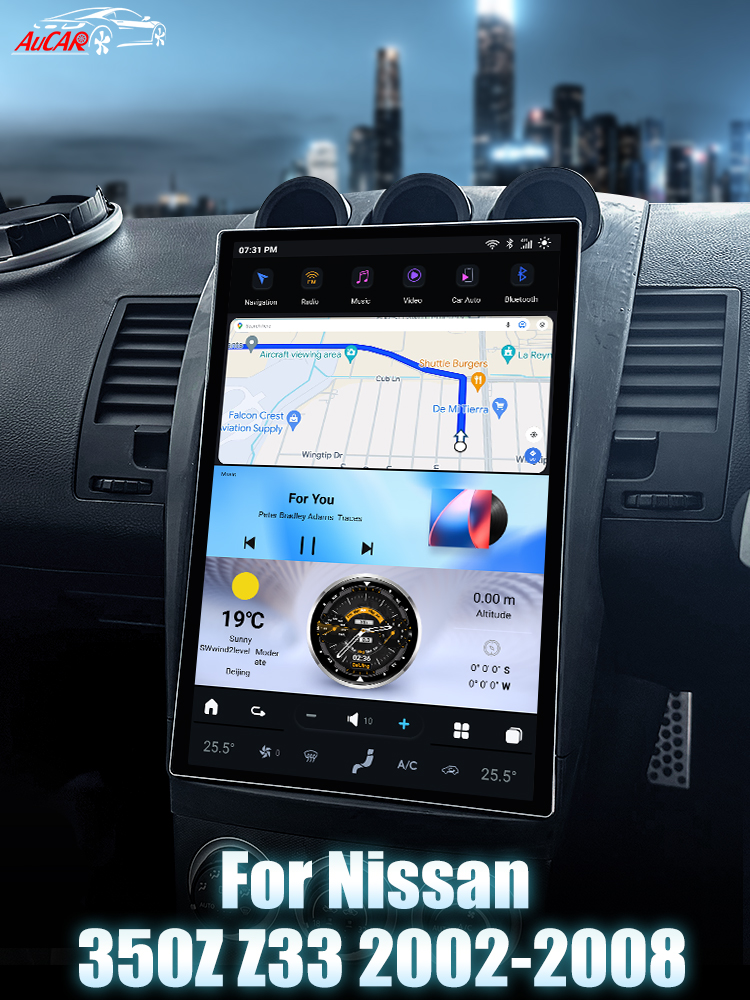
If you're looking to enhance your driving experience in your Nissan 350Z Z33 (2002-2008), upgrading to a modern head unit can make a significant difference. The SquareWheels G-Series Android Head Unit offers a stunning visual upgrade and modern functionality. In this guide, we’ll walk you through the installation process step-by-step, complete with wiring diagrams.
Tools Required
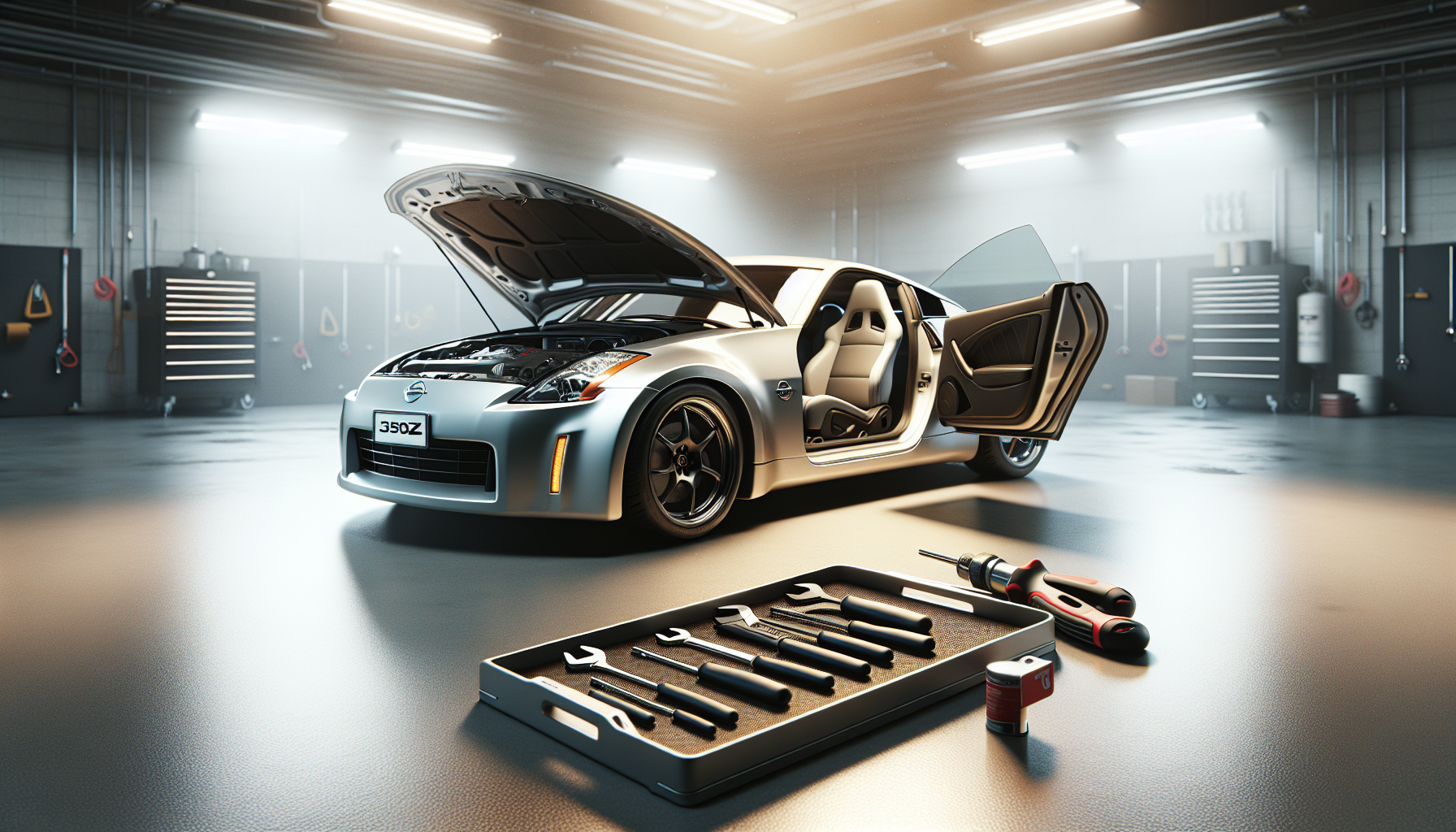
- Screwdriver set
- Panel removal tools
Pre-Installation Notes
Before starting the installation, ensure your car has steering wheel control (SWC) functions. If it does not, you won't need a SWC adapter. If you are using one, remember to program your steering wheel controls after connecting the adapter.
Removal Steps
While specific removal steps are not detailed, the general process involves:
- Removing trim panels around the head unit with panel removal tools.
- Unscrewing and carefully removing the factory head unit.
Installation Steps
1. Main Harness
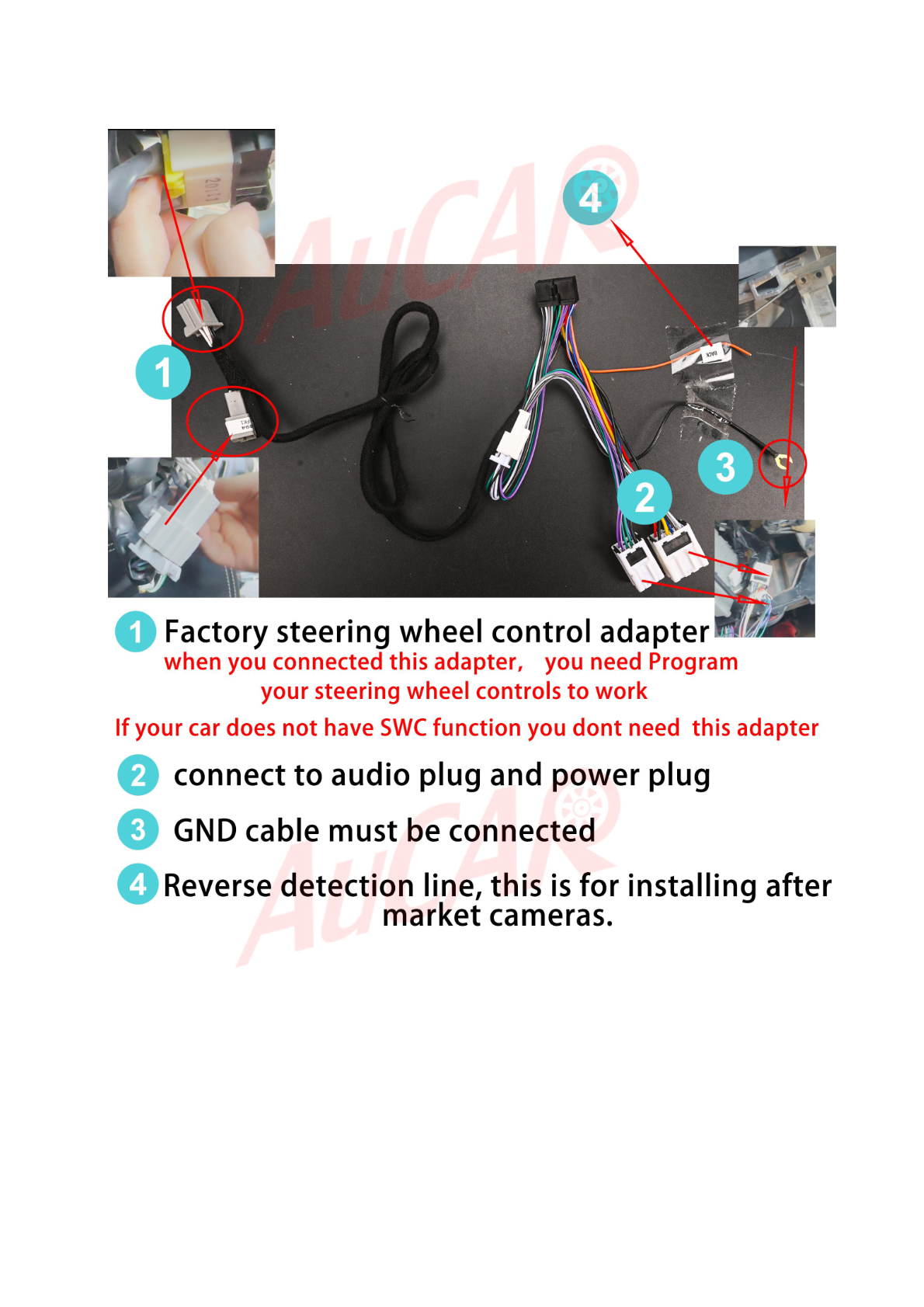
Connect the main harness according to the labeled points in the installation images.
2. Head Unit Frame and Installation
For 2002-2005 models, install the head unit frame provided in the kit. Use the OEM hydraulic mounting bracket to secure the installation.
Wiring/Connections
Steering Wheel Control Adapter
Connect the steering wheel control adapter and program your steering wheel controls.
Audio Plug and Power
Connect the audio plug and power to the main harness via the labeled connectors.
Ground (GND) Cable
Ensure the ground cable is connected for functionality.
Reverse Detection Line
This line is essential if you plan to install aftermarket cameras.
Additional Connections
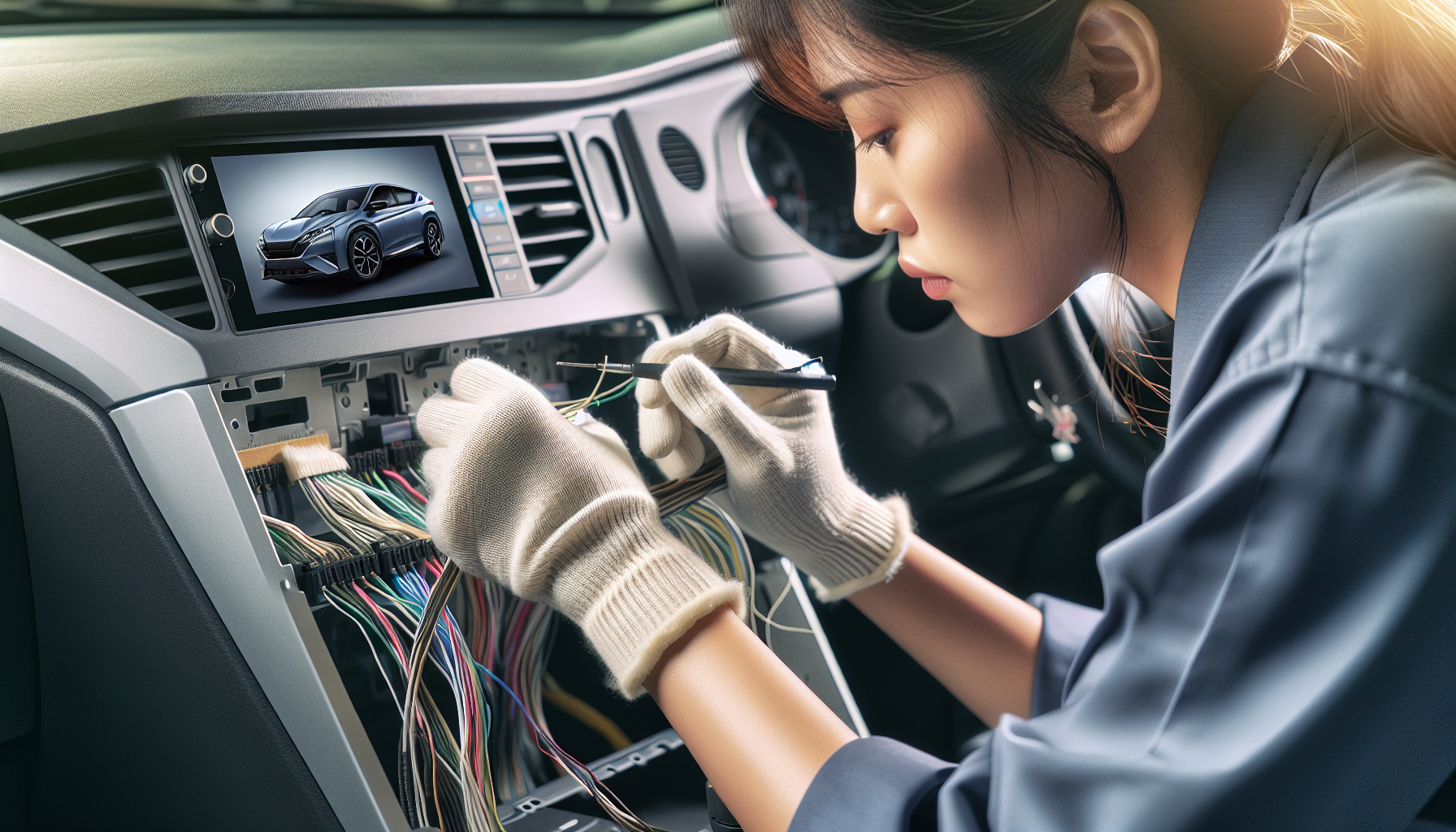
Connect the USB cable, 4G SIM card slot, GPS ANT, external MIC, and any other harnesses to their respective ports.
Post-Installation
- Test all functions, especially steering wheel controls and camera (if connected).
- Reassemble any removed trim panels.
- Ensure all units are securely in place.
Tips & Warnings
- Double-check all connections before finalizing the installation.
- Handle all components, especially cables, with care to avoid damage.
- Disconnect the car battery during installation to prevent electrical issues.
Conclusion
Upgrading your Nissan 350Z Z33 with a new head unit can greatly enhance your driving experience. Follow this guide to ensure a smooth installation process.
For more information on the Nissan 350Z Z33 Android Head Unit, check out our product page here.
Share:
How to Install a Head Unit in Your Maserati Gran Turismo GT (2007-2017): Complete Guide
How to Install a Head Unit in Your Nissan 370Z (2009-2021): Complete Guide with Wiring Diagrams