


Introduction
Upgrading the head unit in your Cadillac ATS, XTS, SRX, or CTS (2013-2018) can significantly enhance your driving experience. This guide will walk you through the installation process of the G-Series head unit, including essential wiring diagrams and tips for a smooth installation.
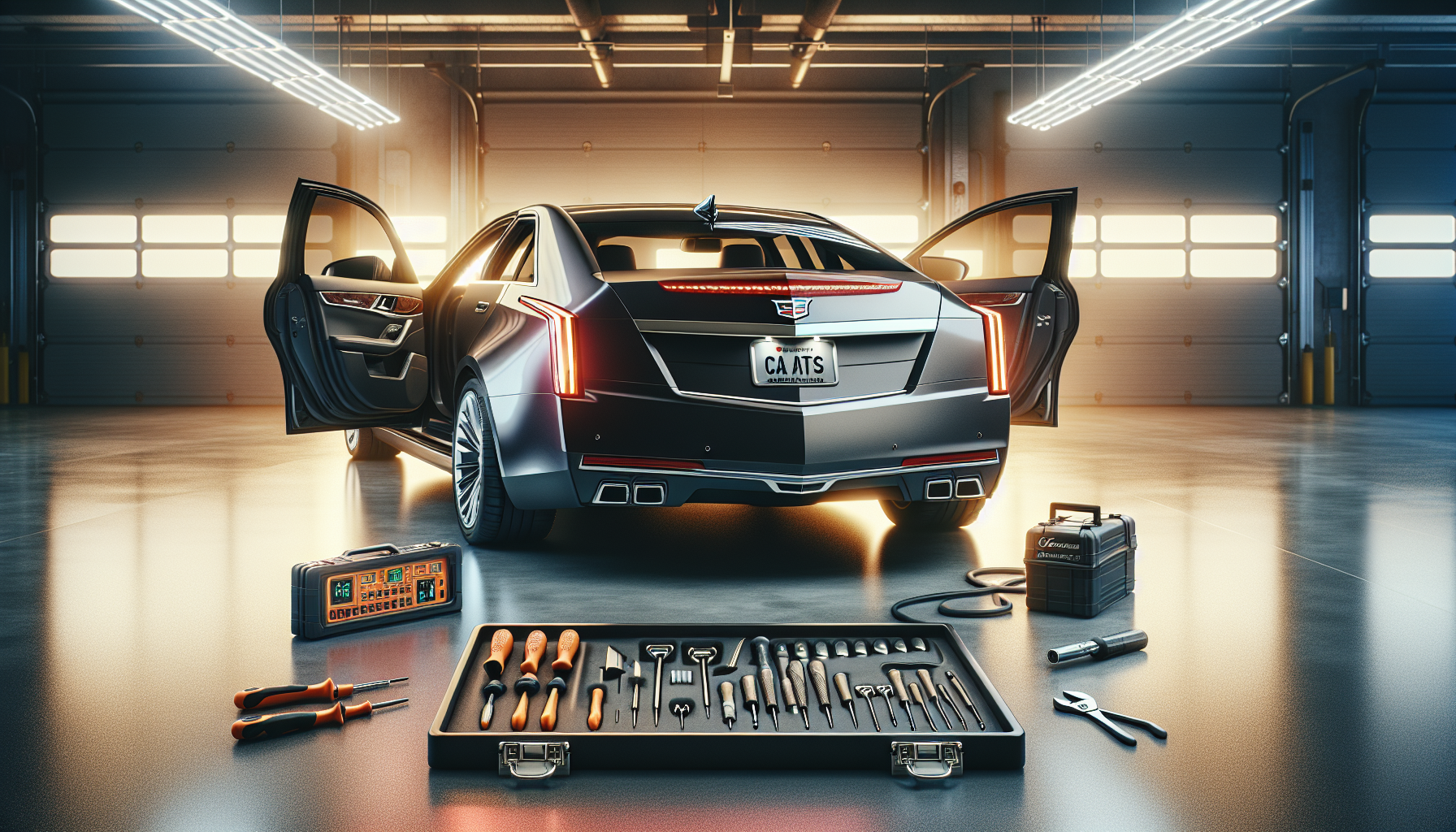
Tools Required
Before you begin, gather the following tools:
- Standard tools for car trim removal (screwdrivers, trim removal tool, etc.)
Pre-Installation Notes
Ensure that your head unit is compatible with the stock 8-inch radio. For a visual reference, scan the QR code provided in the kit to access the installation video.
Removal Steps
While specific removal steps are not detailed in the source, it is recommended to carefully remove the factory unit and any trim pieces surrounding it.
Installation Steps
1. Mounting the Head Unit
Use the fixed bracket (11) and ATS fixed bracket (13) to secure the new head unit in place.
Wiring and Connections
Follow these wiring steps to ensure all components are correctly connected:
- External Small Speaker: Connect to a suitable location for speaker placement.
- USB Cable: Attach as required.
- 4G SIM Card Cable: Connect to the SIM card slot.
- 3.5MM External Mic: Place the microphone in a convenient spot for audio pickup.
- AUX-CAMERA Harness: Connect necessary video inputs.
- Audio Adapter Cable: Utilize for audio integration.
- Steering Wheel Control Adapter Cable: Connect to retain steering wheel controls.
- 4G Signal Antenna: Place externally for best signal reception.
- GPS Antenna: Securely place for GPS functionality.
- AUX Cord: This is crucial for sound output; ensure connection.
- Factory Power Plug: Connect to power supply.
- Factory LVDS Plug: Attach for visual display compatibility.

Post-Installation
After installation, test all functionalities, including audio, GPS, and any integrated cameras. Ensure all connections are secure and check for sound output. Reassemble any removed trim pieces or panels.
Tips & Warnings
Important: Make sure to connect the "Number 12" plugs (AUX cord) to avoid sound issues.
Common Issues: If functionalities fail, recheck all wiring connections.
Safety Warning: Follow the installation instructions carefully to prevent issues.
Conclusion
Installing a head unit in your Cadillac ATS, XTS, SRX, or CTS can enhance your driving experience with modern features and improved sound quality. For a visual guide, refer to the installation video linked in your kit.
Related Products
For more options, check out our G-Series Head Units.
Share:
How to Install a G-Series Head Unit in Your Bentley Continental GT Flying Spur (2003-2019)
How to Install a Head Unit in Your Cadillac Escalade (2007-2014): Complete Guide with Wiring Diagrams