


Introduction
Upgrading the head unit in your Chevrolet Tahoe, Silverado, or GMC Yukon (2007-2012) can enhance your driving experience with modern features and improved sound quality. In this guide, we will walk you through the installation process of the G-Series head unit, complete with wiring diagrams and helpful tips.
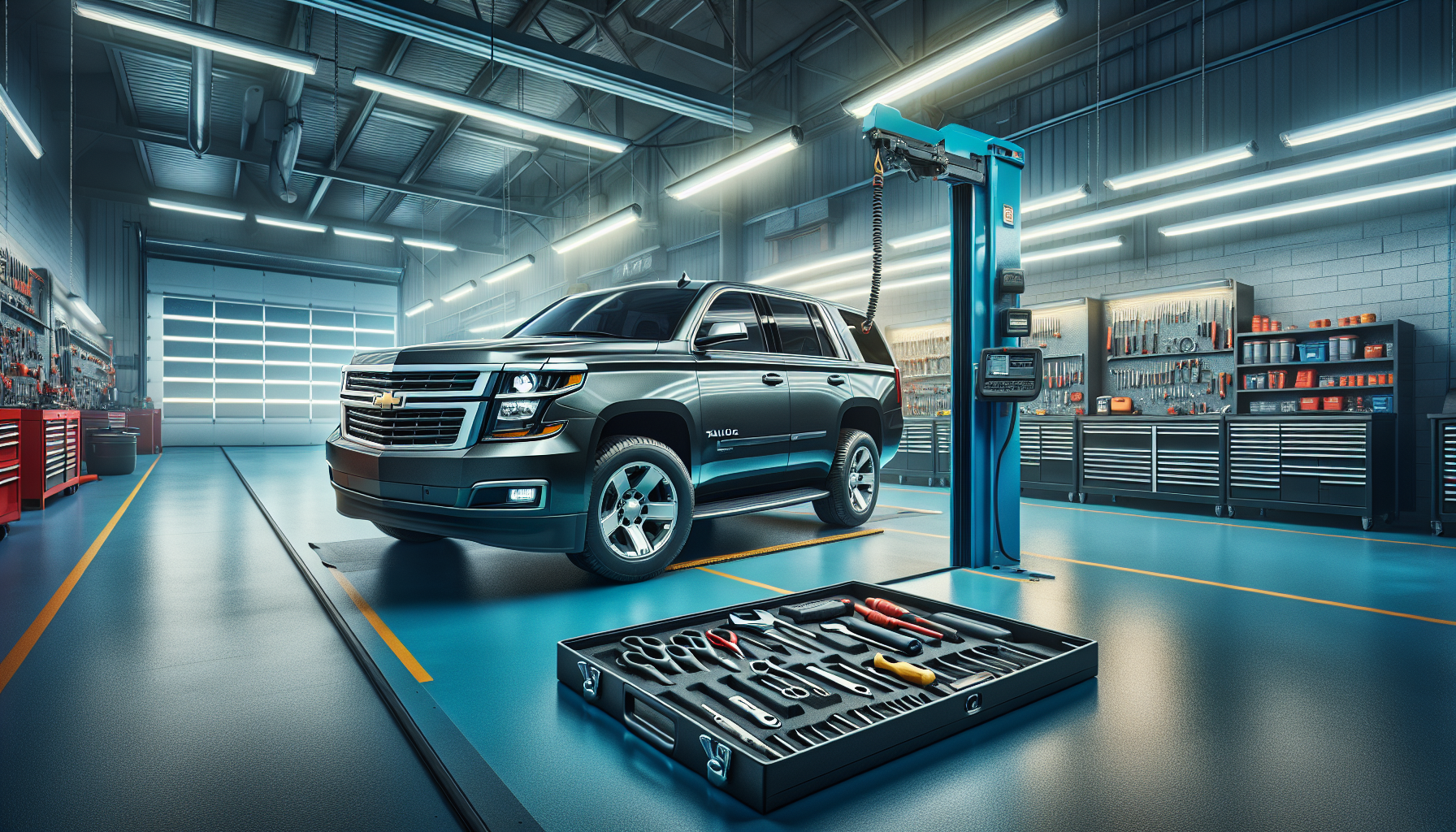
Tools Required
While the exact tools are not specified, common tools for this installation may include:
- Screwdrivers
- Panel removal tools
- Wire strippers
Pre-Installation Notes
Before starting the installation, ensure the following:
- Turn off the car and remove the keys from the ignition.
- Disconnect the car battery to prevent any electrical short circuits during installation.
Removal Steps
To remove the factory head unit, follow these general steps:
- Use a panel removal tool to carefully detach the trim around the head unit.
- Unscrew any screws securing the factory head unit.
- Gently slide the head unit out and disconnect the wiring harness.
Installation Steps
Main Harness Connection
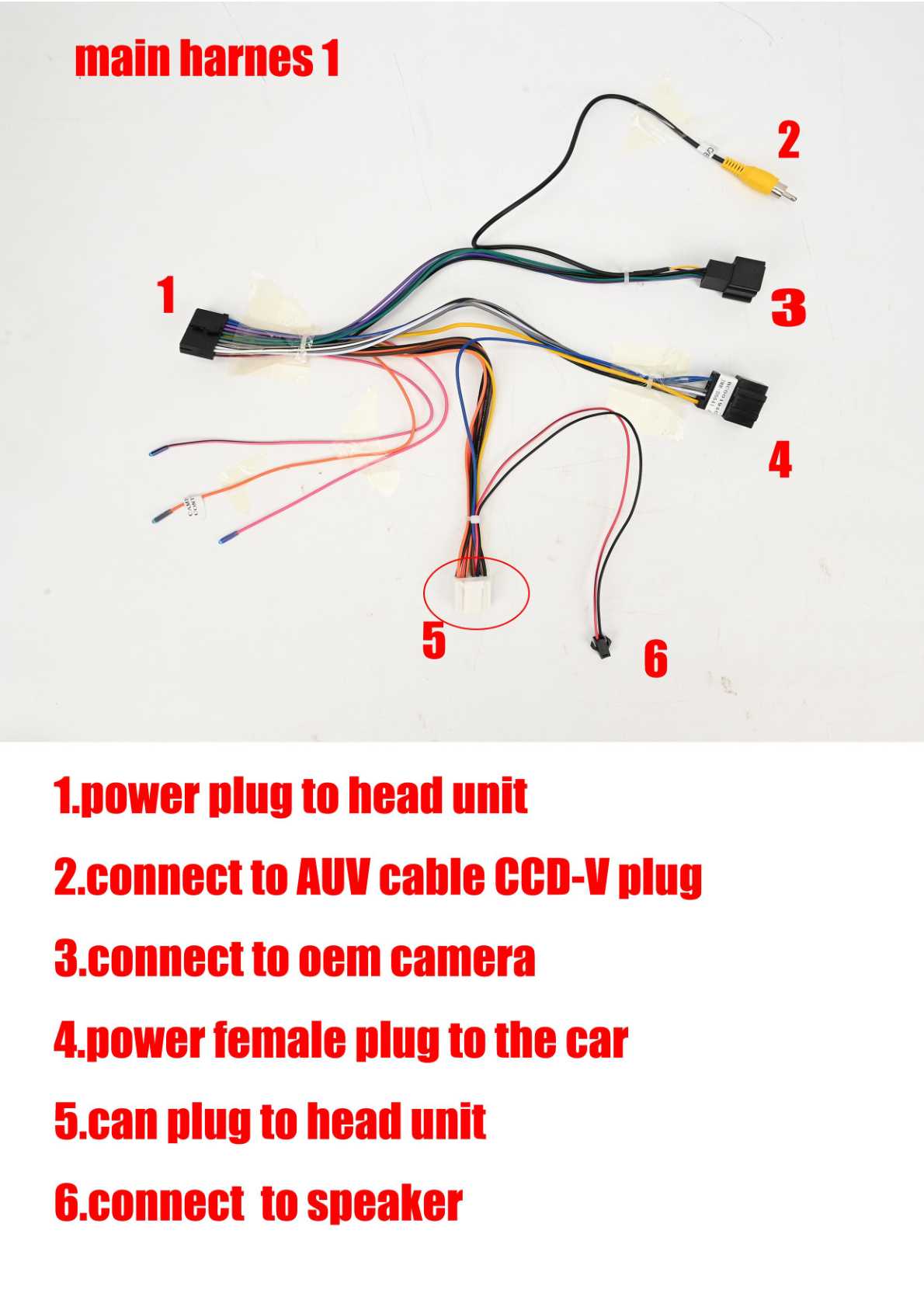
1. Connect the power plug to the head unit using the main harness.
2. Connect the female plug to the car.
Peripheral Connections
1. Connect the GPS antenna to the GPS ANT socket.
2. Install the speaker and microphone.
Optional Connections
If needed, install the USB, RCA, and AUX cables for external devices. Additionally, connect OEM camera and headrest plugs if available.
Wiring/Connections
Ensure all relevant cables from the harness are connected to their respective sockets on the head unit:
- Power Socket
- Sim Card Cable Socket
- AUX and RCA Cable Sockets
- GPS and Radio Sockets
- USB and Headrest Cable Sockets
Post-Installation
After the installation is complete:
- Reconnect the car battery.
- Test the head unit to ensure all functions (radio, GPS, AUX, USB) are working properly.
- Carefully reassemble any removed trim or dashboard components.
Tips & Warnings
To ensure a successful installation:
- Double-check all connections to avoid loose wiring, which could lead to malfunction.
- Handle all cables with care to prevent damage to the wires or connectors.
- Consult the vehicle’s manual or seek professional assistance if unsure about any installation step.
Conclusion
Installing a new head unit in your Chevrolet Tahoe, Silverado, or GMC Yukon can significantly enhance your vehicle's functionality and entertainment options. Follow this guide to ensure a smooth installation process.

For more information on our G-Series head units, visit our product page or contact us for assistance.
Share:
How to Install a Head Unit in Your Chevrolet Silverado (2015-2019): Complete Guide with Wiring Diagrams
How to Install a Head Unit in Your Chrysler 300C (2011-2014): Complete Guide with Wiring Diagrams