

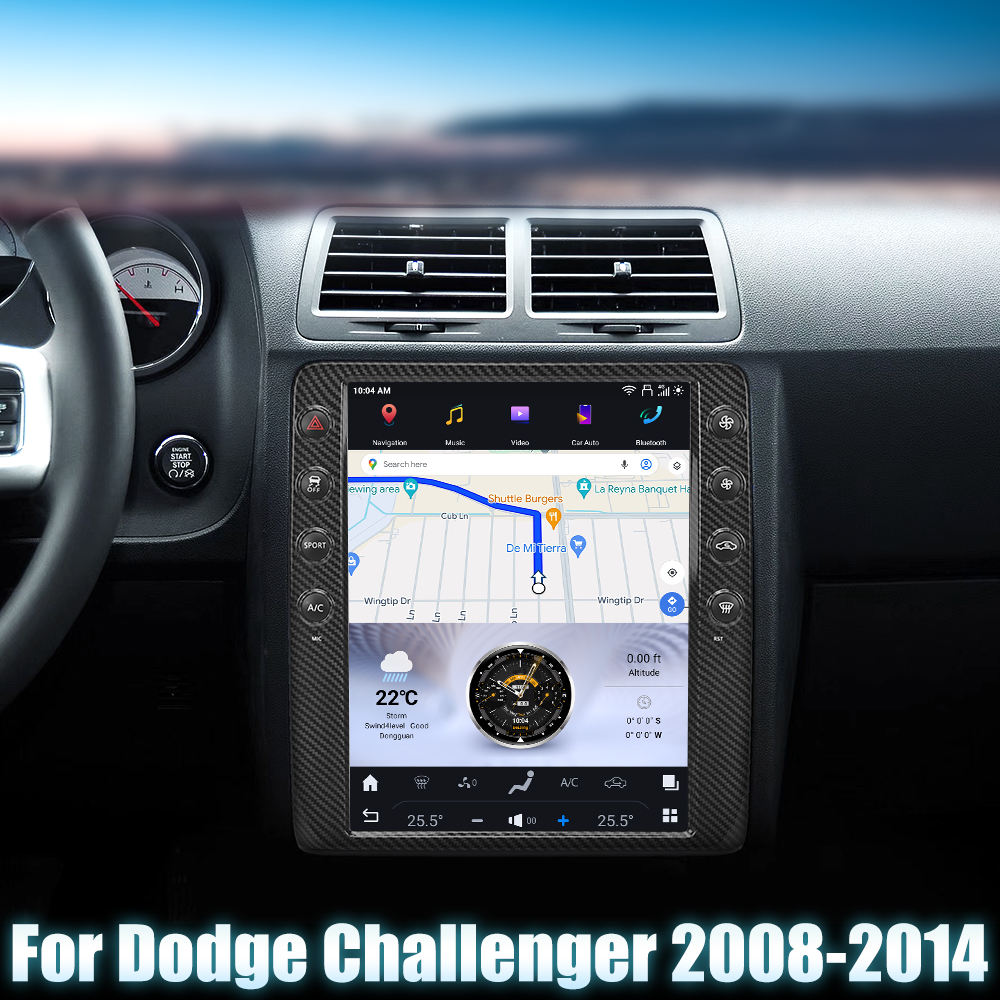
Upgrade Your Dodge Challenger with a New Head Unit
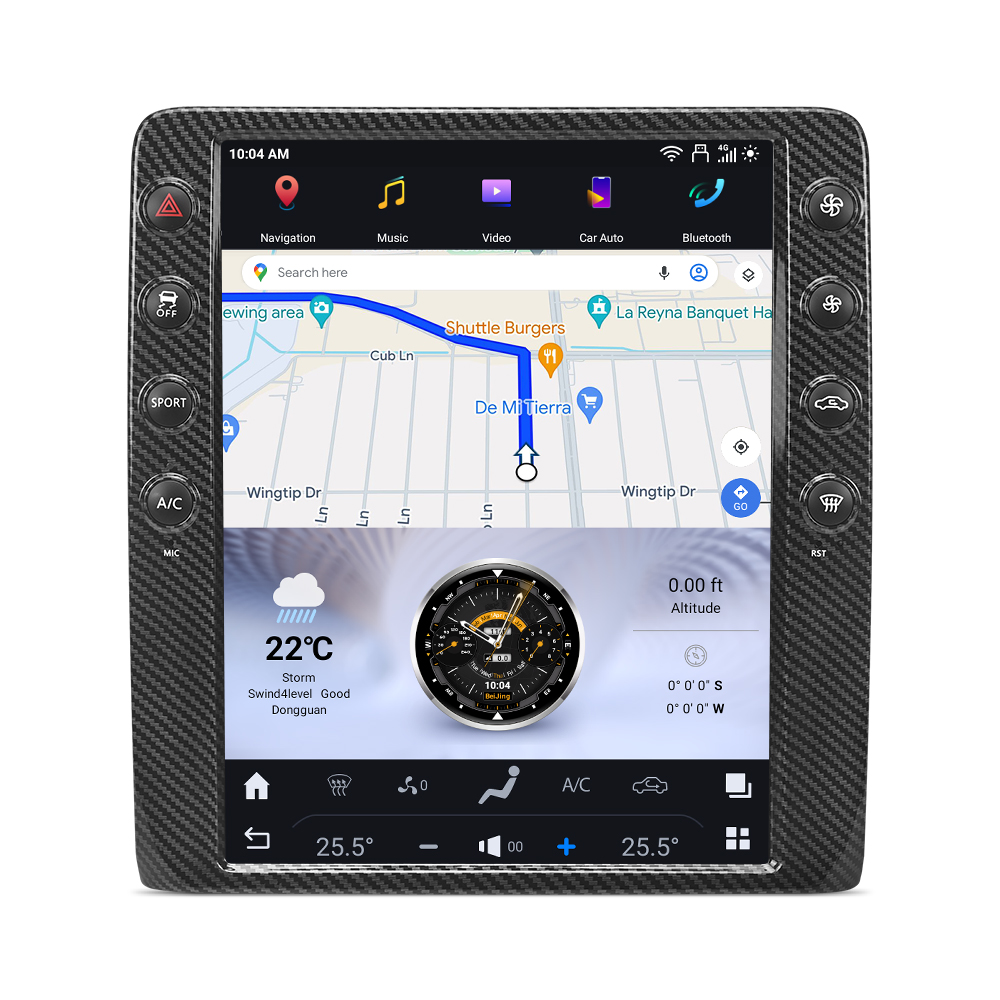
If you're looking to enhance your driving experience in your 2008-2014 Dodge Challenger, installing a new head unit is a fantastic upgrade. The SquareWheels G-Series head unit offers a modern touchscreen interface and advanced features that can transform your car's dashboard. In this guide, we'll walk you through the installation process step-by-step.
Tools Required
No specific tools are required for this installation, but it's recommended to have some basic hand tools on hand for any adjustments.
Pre-Installation Notes
Before you begin, ensure your vehicle is powered off and disconnect the negative battery terminal to avoid any electrical issues during installation.
Installation Steps
1. Connecting Various Plugs
Follow these steps to connect the necessary components:
- OEM Camera Plug: Connect to the designated port on the new unit.
- USB Adapter: Insert into the USB interface.
- 4G Antenna: Attach to the appropriate antenna ports.
- GPS Antenna: Connect to the GPS socket.
- External Microphone: Plug into the mic input for enhanced audio clarity.
- Factory Power Plug: Ensure this is securely connected to the power plug.
- CAN Plug: Insert into the CAN interface.
- SIM Card Cable: Connect to the SIM cable socket.
2. Wiring Connections
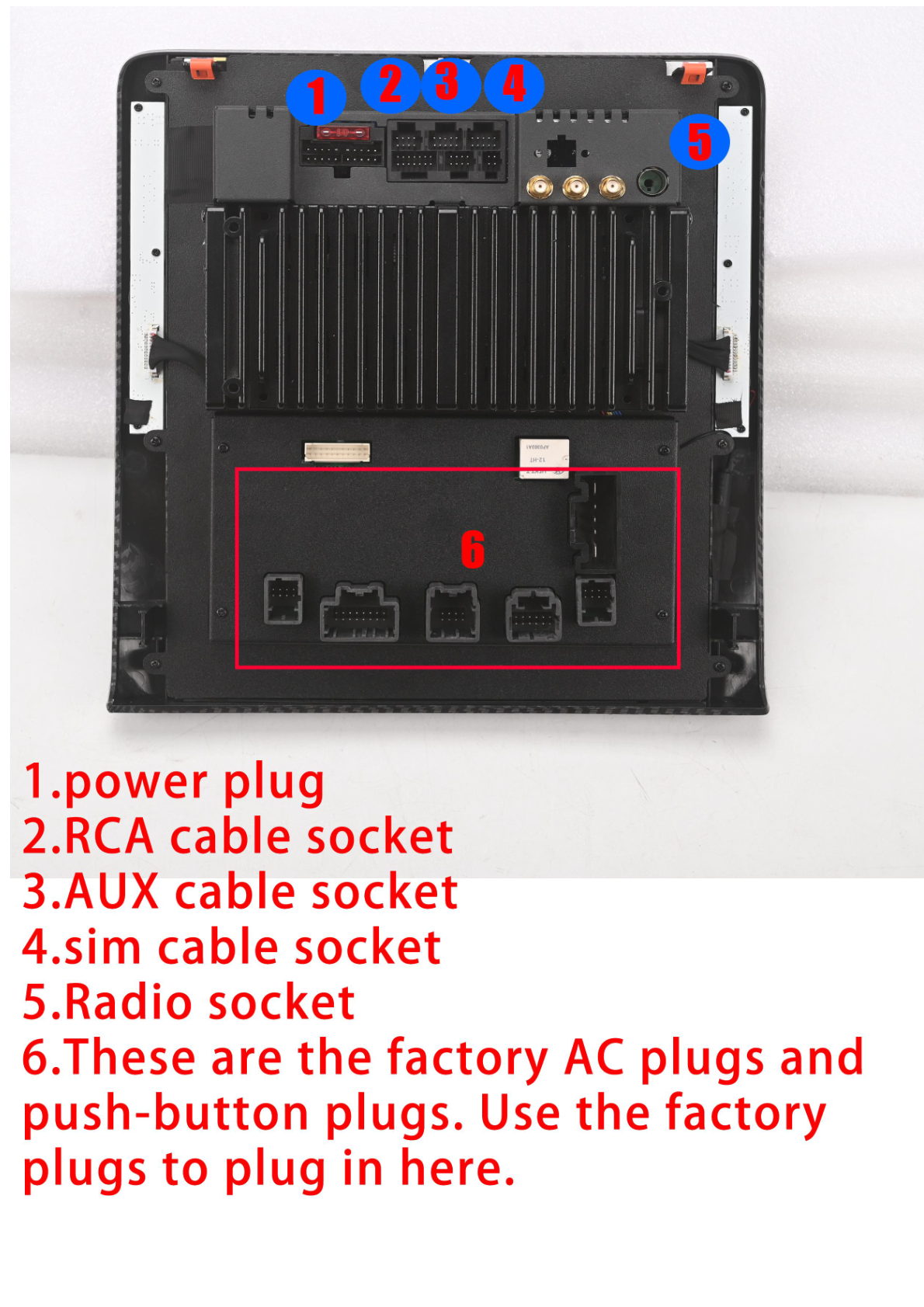
Ensure that all the following connections are made correctly:
- Power Plug: Connection for main power.
- RCA Cable Socket: For connecting audio/video inputs.
- AUX Cable Socket: Connect auxiliary inputs here.
- SIM Cable Socket: For SIM card connectivity.
- Radio Socket: Insert the radio input plug.
- Factory AC and Push-Button Plugs: Use as needed.
Post-Installation
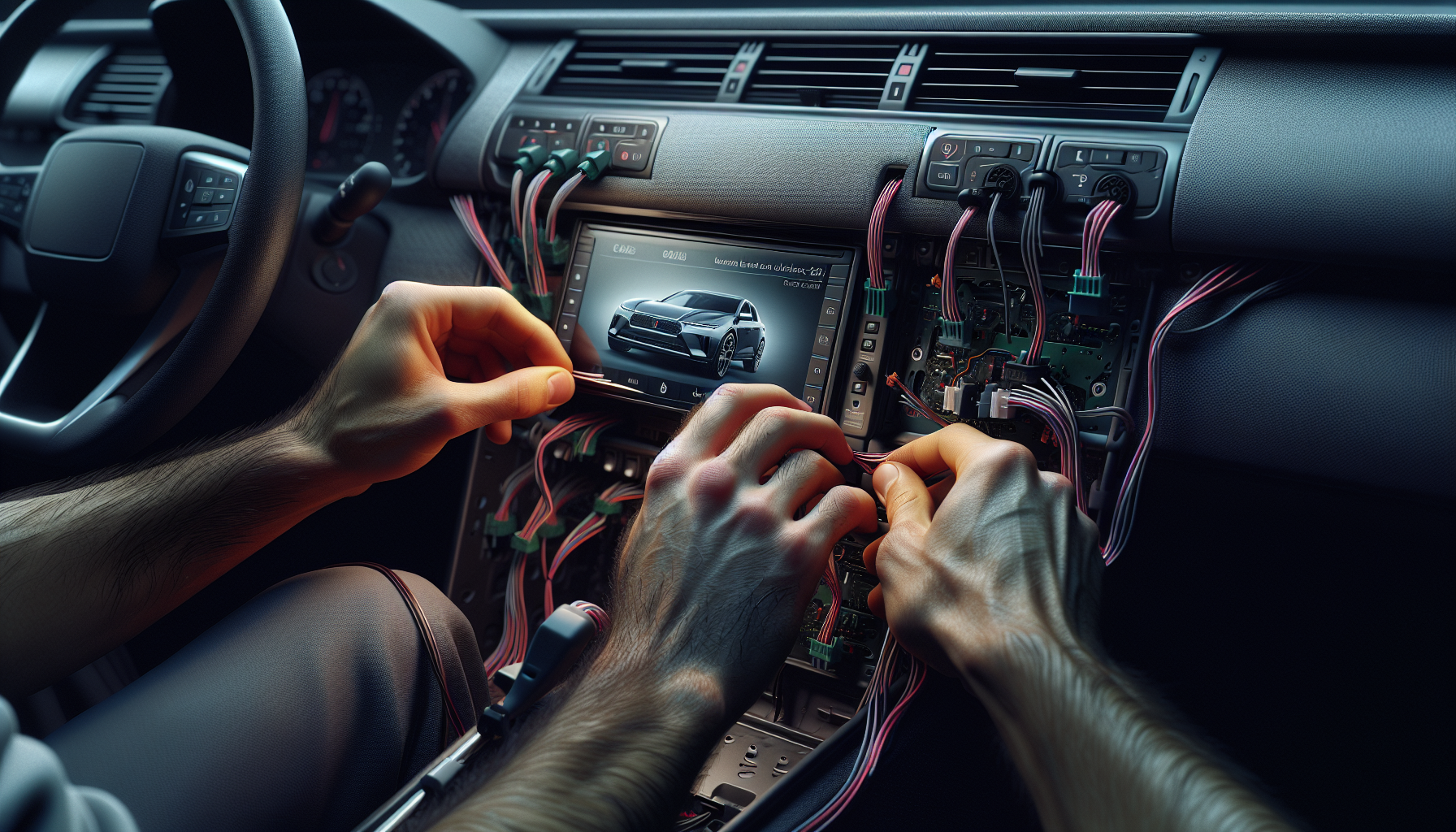
Once all connections are secure, test the functionality of the unit before reassembling any trim or panels. Make sure to check features like the camera, GPS, and microphone to ensure everything is working properly.
Final Thoughts
Installing a new head unit in your Dodge Challenger can significantly enhance your driving experience. With the G-Series head unit, you get a modern look and advanced features to make your time on the road more enjoyable.
Want to Learn More?
For more information about the Dodge Challenger G-Series head unit, check out our product page here.
If you have any questions or need assistance, feel free to contact us.
Share:
How to Install a Head Unit in Your Chrysler 300C (2011-2014): Complete Guide with Wiring Diagrams
How to Install a Head Unit in Your Dodge Durango (2010-2013): Complete Guide with Wiring Diagrams