

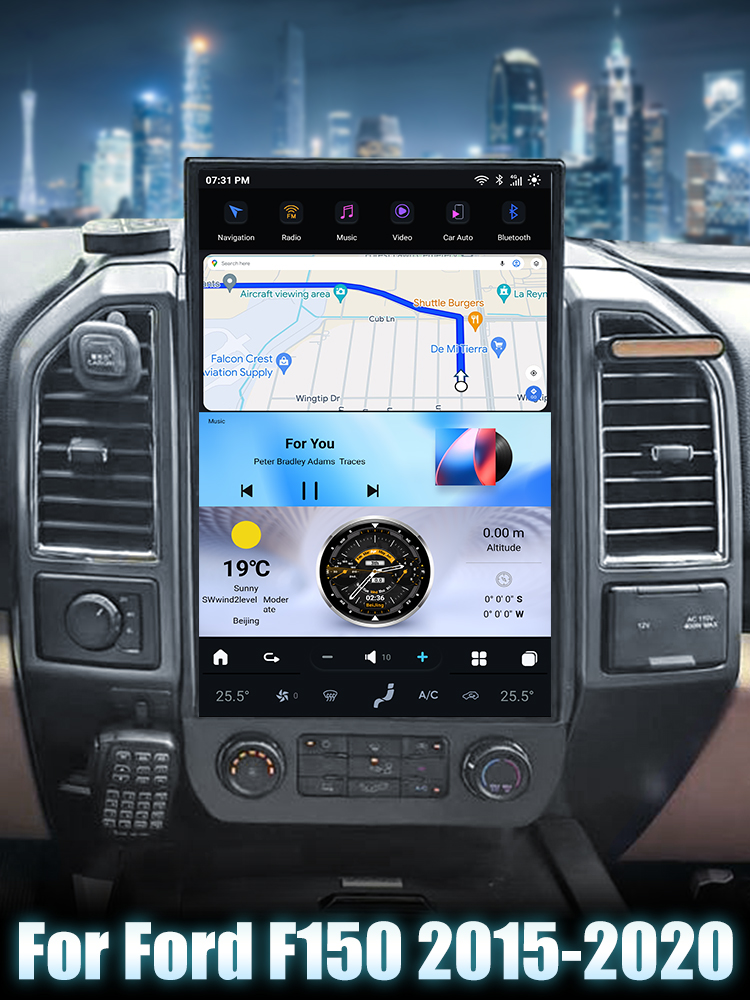
Introduction
Upgrading the head unit in your Ford F250, F350, F450, or F650 (2010-2016) can significantly enhance your driving experience. This guide will take you through the installation process step-by-step, ensuring you have all the necessary tools and information for a smooth installation.

Tools Required
- Trim removal tool
Pre-Installation Notes
Before starting the installation, ensure you have your order number handy. It’s also helpful to take clear images of your current dashboard and note the manufacturing year of your vehicle. Document any potential installation issues with pictures or videos to assist technical support if needed.
Removal Steps
Step 1: Remove Cigarette Lighter and AUX Panel
Use a trim removal tool to detach the cigarette lighter and AUX panel.
Step 2: Remove Screws
Locate and remove the two screws marked with red circles.
Step 3: Remove Face Frame
Gently pull the face frame outward, being cautious of connected AC and button plugs at the back.
Step 4: Remove Stock Radio
Unscrew the four screws securing the stock radio in place.
Step 5: Disconnect Plugs
Disconnect all plugs from the back of the stock radio.
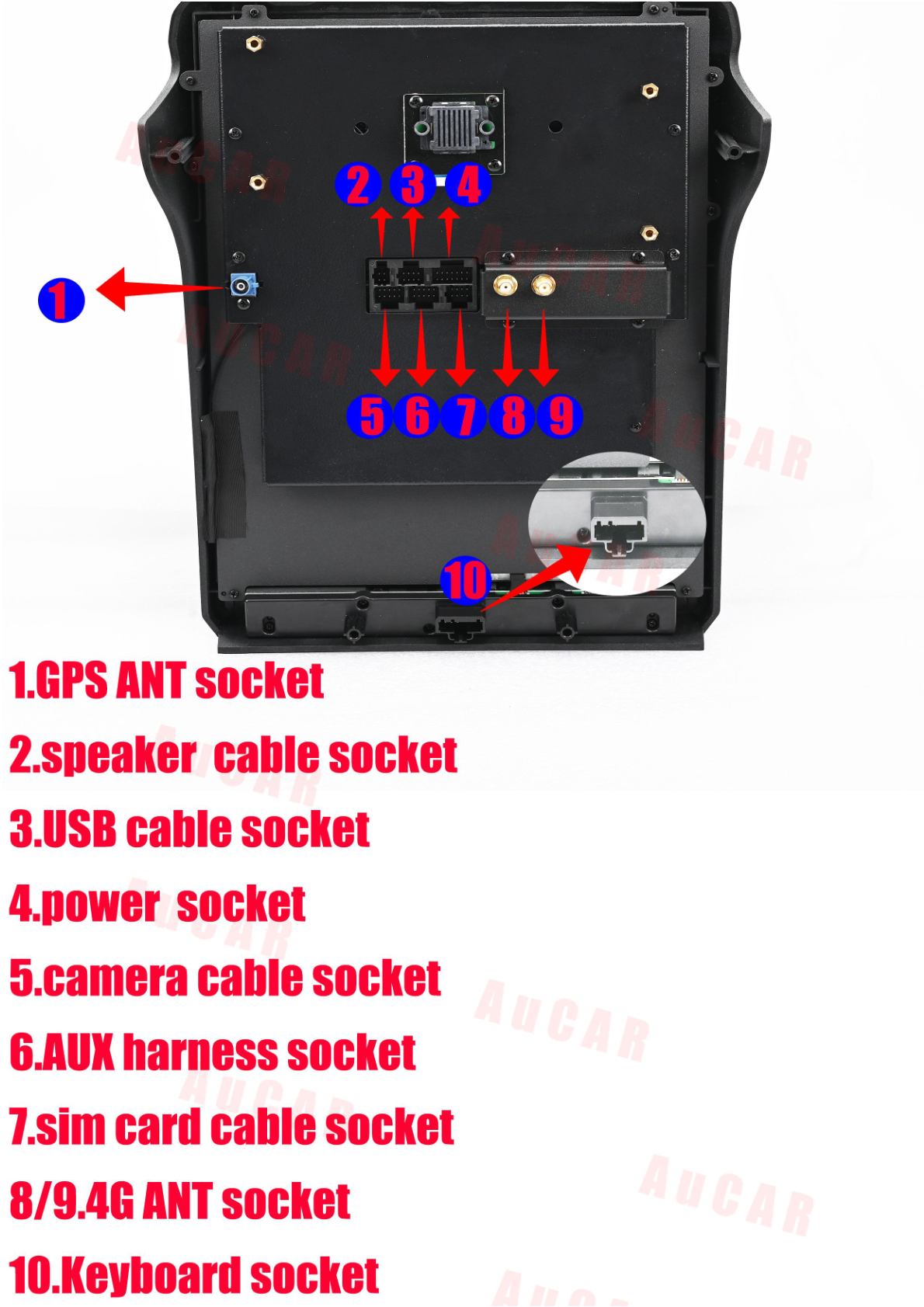
Installation Steps
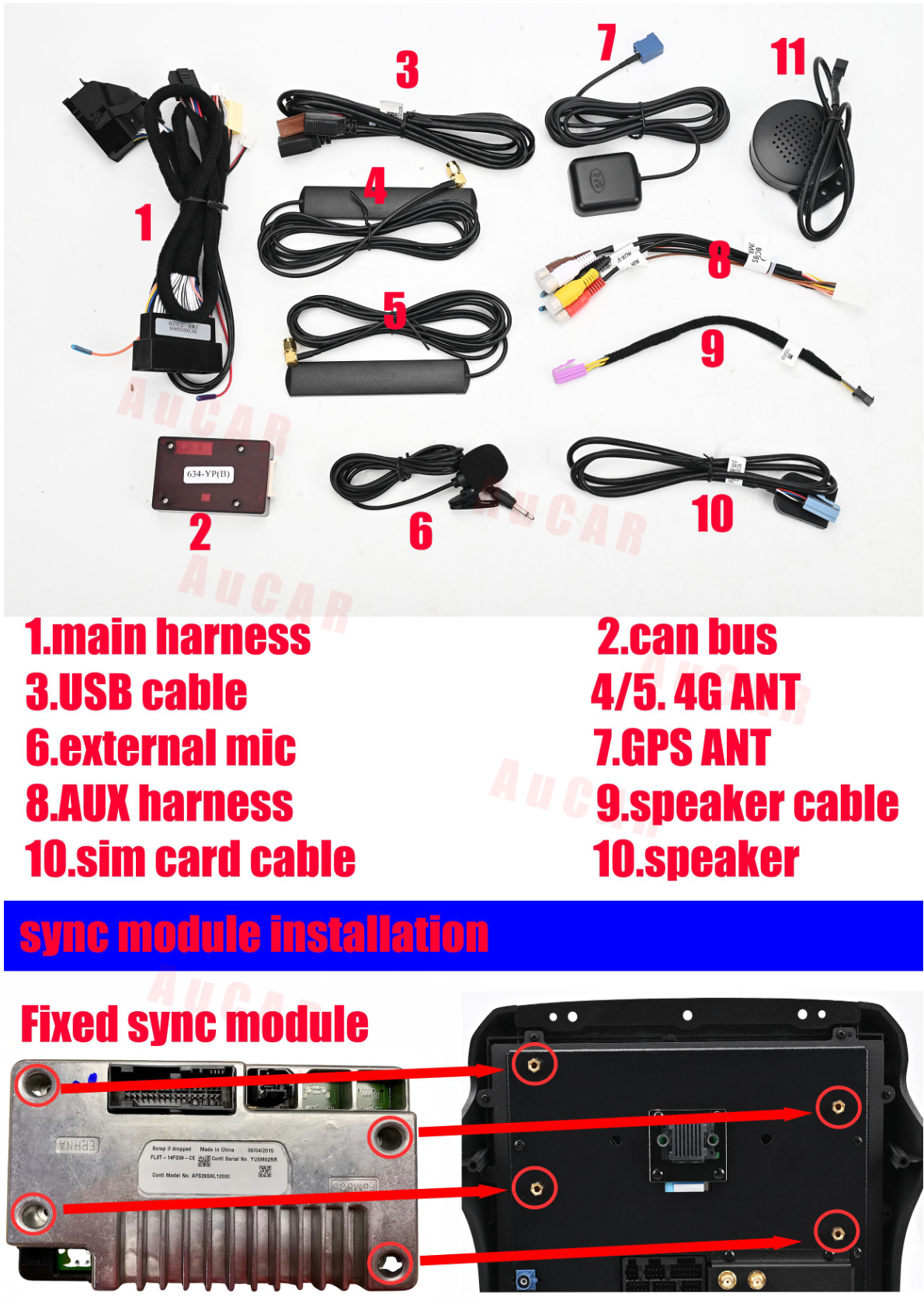
Connect OEM Parts to New Unit
Connect the necessary OEM parts to the new Tesla-style head unit.
Fixing Bracket Installation
Secure the unit using the provided bracket position.
Wiring/Connections
Follow the connector labels for the correct plug insertion.
Post-Installation
After installation, verify that all connections are secure. Reassemble the dashboard by reversing the order of disassembly.
Tips & Warnings
- Ensure all plugs and connections are secure before powering on the new head unit.
- Keep your documentation and order number handy for any technical support required.
Conclusion
Installing a new head unit in your Ford F250, F350, F450, or F650 (2010-2016) can be a straightforward process when you follow these steps. Enjoy your upgraded infotainment experience!
Explore More
If you're looking for a head unit upgrade, check out our SquareWheels G-Series Android Head Unit for your Ford F250, F350, F450, or F650.
Share:
How to Install a Head Unit in Your Ford F150 F250 F350 F450 F650 (2020-2025): Complete Guide with Wiring Diagrams
How to Install a Head Unit in Your Ford F250 F350 with Sync System (2010-2016): Complete Guide with Wiring Diagrams