


Introduction
Aftermarket automotive electronics, like head units and digital instrument clusters, can significantly enhance your driving experience. If you're considering upgrading your Infiniti Q50 or Q60, you might have some questions. In this article, we’ll address the most common queries regarding aftermarket head units and digital clusters.
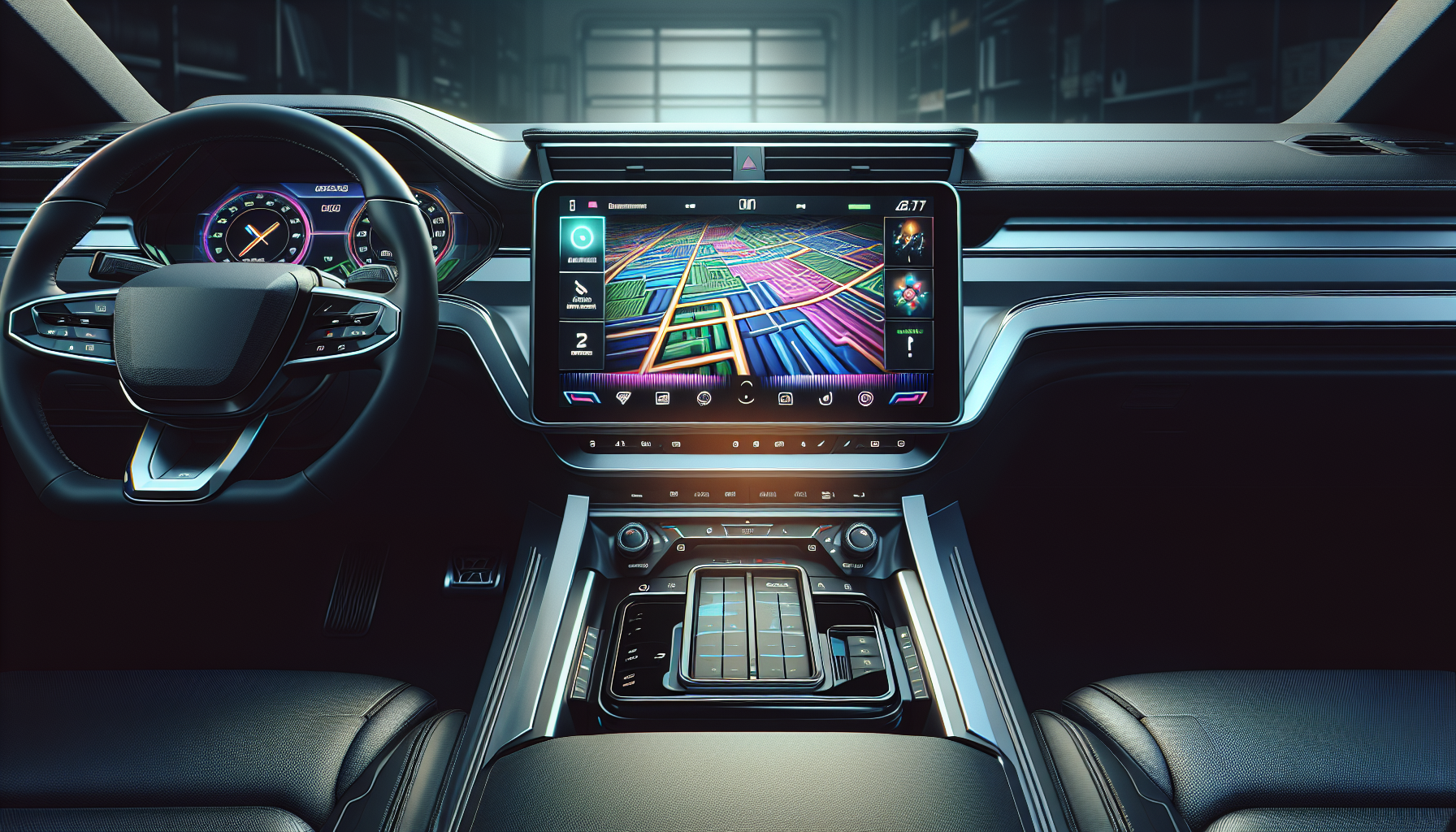
1. What is an aftermarket head unit?
An aftermarket head unit is a replacement for your vehicle's factory stereo system. It typically offers more features, such as touchscreen displays, smartphone integration (like CarPlay and Android Auto), and enhanced audio quality.
2. How do I install an aftermarket head unit?
Installation can vary depending on the make and model of your vehicle. However, for Infiniti Q50/Q60 models, you can follow this installation guide which covers the entire process in detail.
3. Is the APEX digital cluster easy to install?
Yes, the APEX digital cluster is designed for ease of installation. It typically requires just two screws and two plugs. For a step-by-step installation, check out this video guide.
4. Can I use my factory backup camera with an aftermarket head unit?
Yes, you can use your factory backup camera with aftermarket head units, but it may require additional wiring or adapters. For specific instructions, refer to this video on backup camera upgrades.
5. What features can I expect from the APEX digital cluster?
The APEX digital cluster offers a customizable interface, including options for displaying various vehicle parameters. It's designed to be user-friendly and integrates seamlessly with your vehicle's existing systems.
6. How can I upgrade the software on my head unit?
Upgrading the software on your head unit is straightforward. You typically need to download the firmware file onto a USB drive and then plug it into the head unit. Detailed instructions can be found in this video tutorial.
Conclusion
Upgrading to an aftermarket head unit or digital cluster can greatly enhance your driving experience. If you have more questions or need assistance, feel free to reach out to us or check out our product pages for more information.
For more details on our aftermarket products, visit our product category.
Share:
How to Update Your APEX Cluster Firmware: Complete Guide
Tesla Screen vs CarPlay Adapter: Which Upgrade Is Right for Your Car?