

Introduction
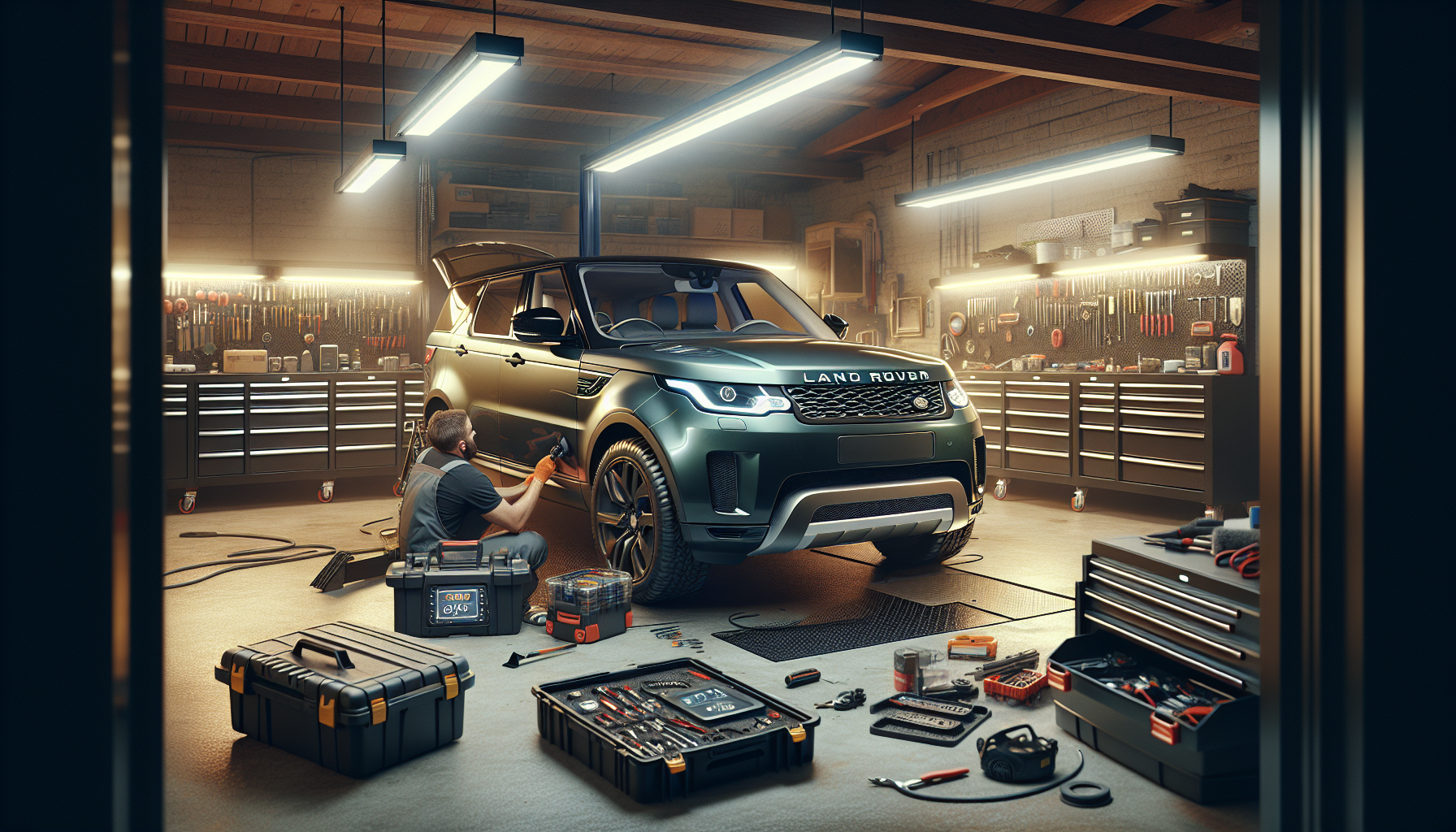
Upgrading the head unit in your Land Rover Discovery 4 LR4 L319 (2011-2013) can significantly enhance your driving experience. This guide will walk you through the installation process of the G-Series Head Unit, complete with wiring diagrams and essential tips.
Tools Required
- Screwdriver
Pre-Installation Notes
Before beginning the installation, ensure you:
- Disconnect the battery to prevent any electrical damage.
- Have all required parts and cables available.
Removal Steps
1. Remove Factory Unit
- Unplug any connections to the original car host.
- Use a screwdriver to remove the four screws securing the factory unit.
2. Remove Bracket
Detach the brackets by removing additional screws as indicated in the installation images.
Installation Steps
1. Connect the Screen Cable
Unplug the screen cable from the original car host and connect it to the back of the new unit.
Wiring/Connections
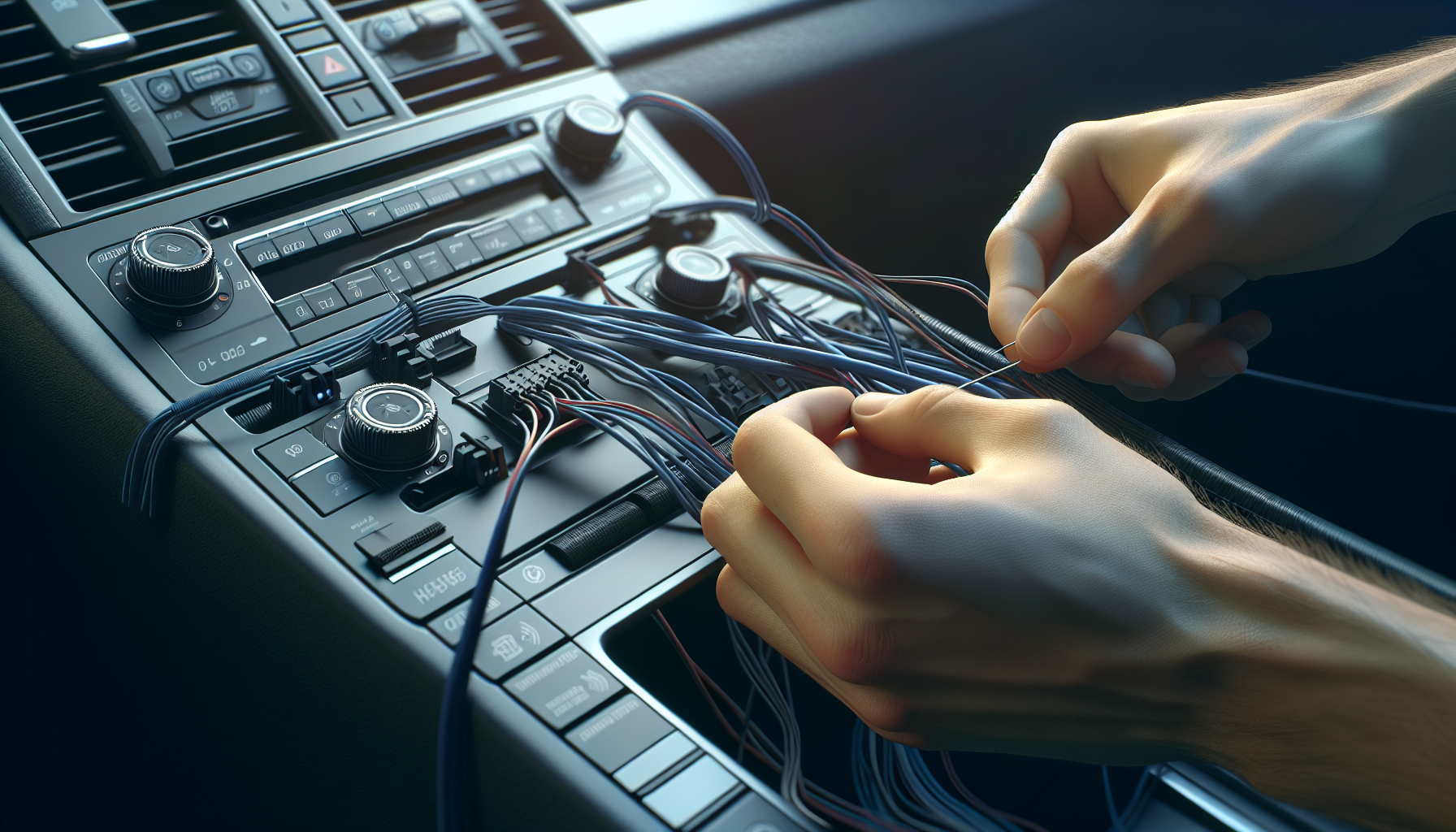
Below are the key connections you need to make:
- GPS ANT: connect to position 1
- Power Adapter: connect to position 2
- 4.4G ANT: connect to position 3
- USB Cable with video input: connect to position 5
- SIM Card Cable: connect to position 6
- Speaker: connect to position 7
- Original Car Mainboard Connection: connect to position 8
Post-Installation
After installing the new unit, make sure to:
- Test the new unit for functionality before reassembly.
- Secure all cables and ensure connections are tight.
- Reattach any removed components or panels.
Tips & Warnings
- Handle all electronic components with care to avoid static damage.
- Take note of all connections for easier reassembly.
- Double-check all connections for secure fitment.
Conclusion
Installing a new head unit in your Land Rover Discovery 4 LR4 L319 can be a rewarding project that enhances your vehicle's functionality. Follow this guide carefully, and you'll enjoy the benefits of your new G-Series head unit in no time.
Interested in Upgrading Your Head Unit?
Explore our range of G-Series head units to find the perfect fit for your vehicle!
Share:
How to Install a Head Unit in Your Jeep Wrangler Gladiator (2018-2021): Complete Guide with Wiring Diagrams
How to Install a Head Unit in Your Maserati Gran Turismo GT (2007-2017): Complete Guide