

Introduction
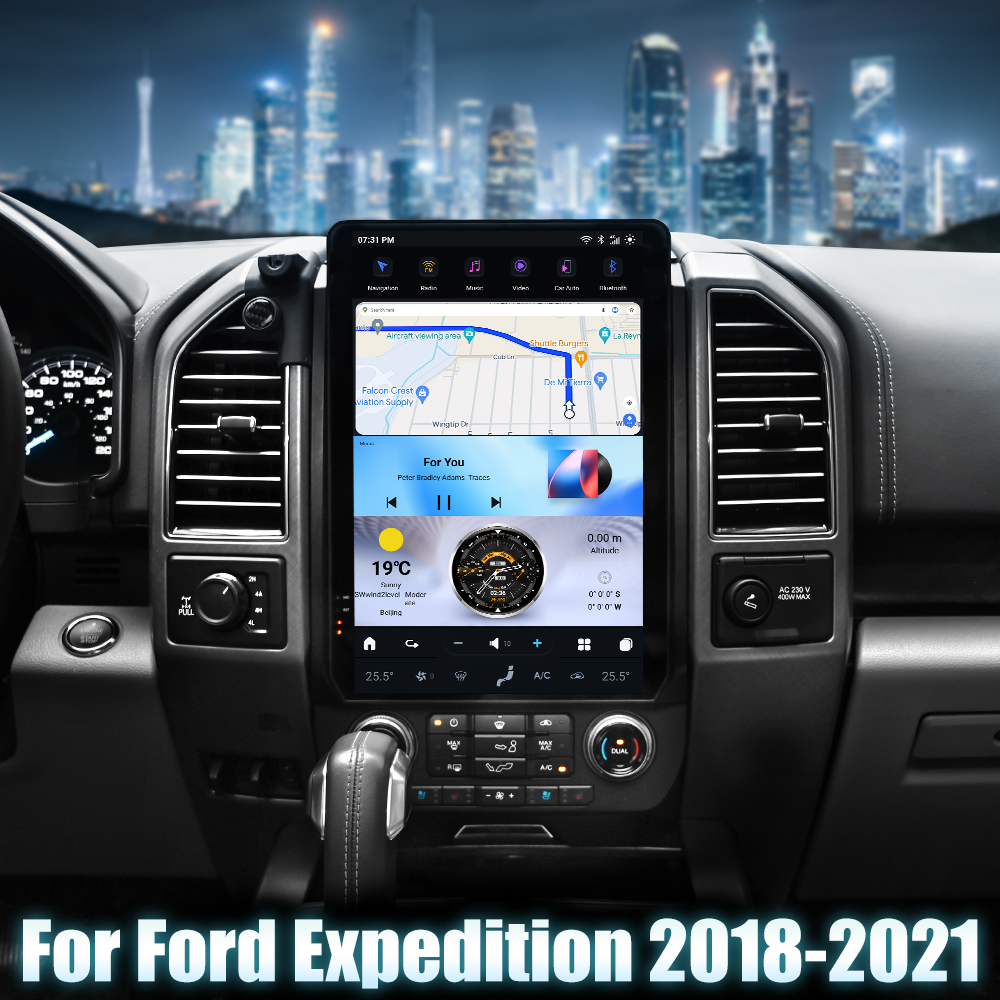
Upgrading the head unit in your Ford Expedition (2018-2021) can significantly enhance your driving experience, offering modern features like Bluetooth connectivity, GPS navigation, and more. In this guide, we’ll walk you through the installation process of the SquareWheels G-Series Head Unit specifically designed for your vehicle.
Tools Required
- Screwdrivers
- Panel removal tools
- Socket wrench set

Pre-Installation Notes
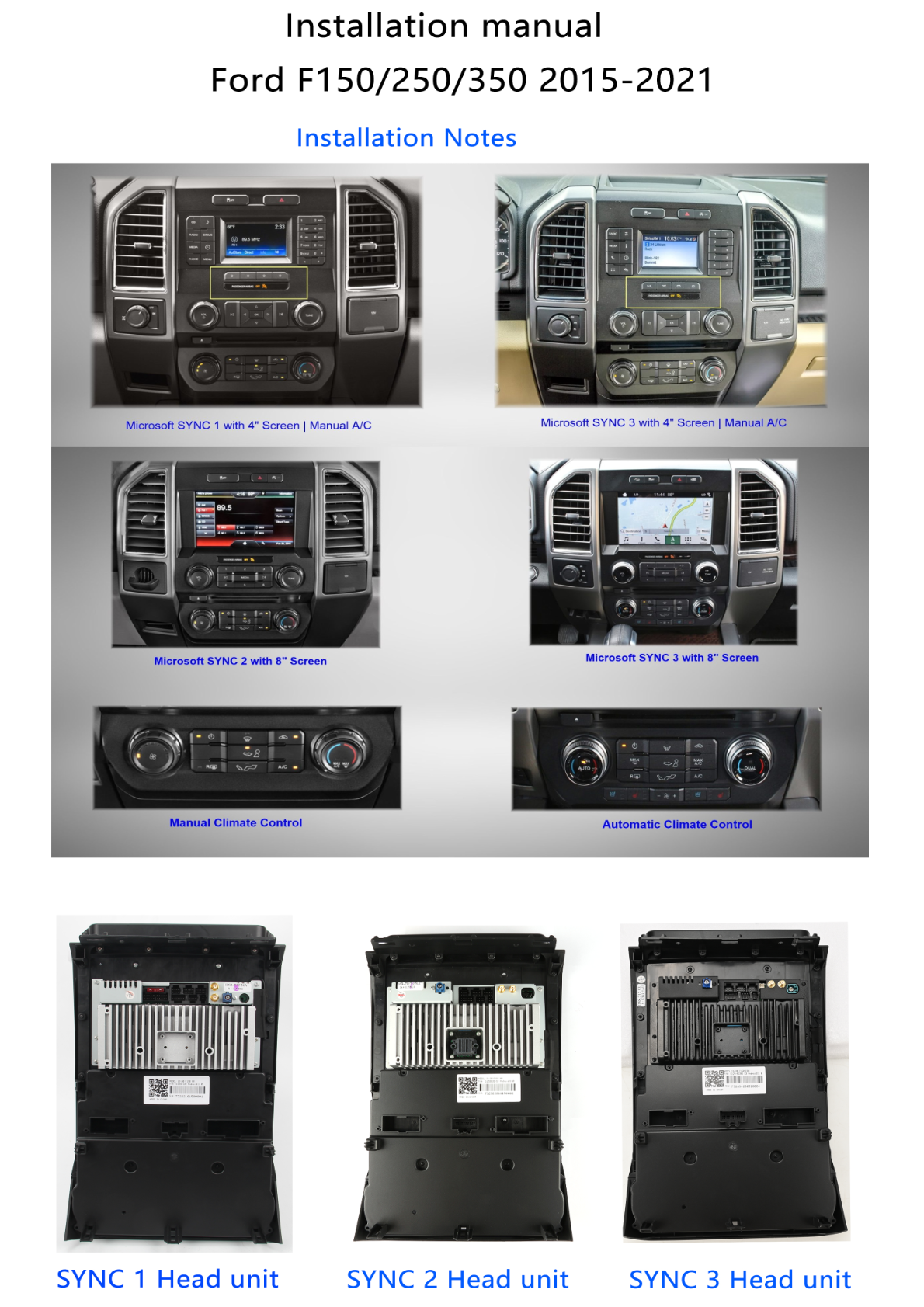
Before you begin, ensure that you have identified the current SYNC system in your vehicle. This could be SYNC 1, 2, or 3. Make sure your new head unit is compatible with your vehicle model and existing SYNC system.
Removal Steps
- Remove Trim Panels: Use a panel removal tool to gently pry away the trim panels surrounding the head unit.
- Unfasten the Head Unit: Unscrew the mounting screws holding the head unit in place.
- Disconnect Wiring: Carefully disconnect the wiring harness and antenna connections from the back of the factory head unit.
Installation Steps
- Connect New Wiring Harness: Use the appropriate main harness for your new SYNC unit and connect it to the vehicle’s original connectors.
- Secure the New Head Unit: Align and secure the new head unit into the dash using the provided screws or mounts.
- Reattach Trim Panels: Snap back any removed trim panels ensuring they are securely fastened.
Wiring/Connections
Ensure the following connections are made:
- Main Harness: Connect to the head unit and power.
- CANBUS BOX: Connect for audio functionality.
- USB Ports and Antennas: Connect USB and antenna cables.
- External Devices: Connect external microphone, GPS antenna, and any additional cameras if applicable.
Post-Installation
Once the new head unit is installed, turn on your vehicle and check the following:
- Screen displays correctly.
- Audio input/output is functioning.
- GPS and connectivity features (Bluetooth, USB) are operational.
Tips & Warnings
- Disconnect the vehicle’s battery before beginning installation to avoid electrical shorts.
- Handle panels and electronic components with care to prevent damage.
- If unsure, consider professional installation to ensure optimal setup.
Conclusion
Upgrading your Ford Expedition with a new head unit can transform your driving experience. For more information on the SquareWheels G-Series Head Unit, check out the product page here.
Additional Resources
For more guides and resources on automotive upgrades, visit our guides page.
Share:
How to Install a Head Unit in Your Dodge Durango (2010-2013): Complete Guide with Wiring Diagrams
How to Install a Head Unit in Your Ford Explorer (2011-2019): Complete Guide with Wiring Diagrams